Follow these steps
Getting started is ezpz.
1. Install Invoke
Copy Invoke to your Applications folder. Applications
 Invoke
Applications2. Get a pack
Browse packs and get the ones you need.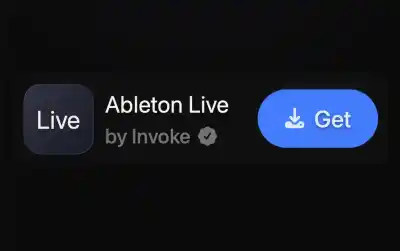
3. Bind a shortcut
Or select a preset. Ready to go.
Invoke is still in beta. There may be some rough edges.
If you run into any issues, or have any feedback, please reach out on our Discord or via support@getinvoke.com.
Support and Community
Need help? Want to chat with other Invoke users or devs?